AppyBee Narrowcasting: your class schedule, Instagram, and club news on one screen
Display your class schedule, Instagram, and club news on one screen with AppyBee Narrowcasting. Use one screen for free on your own television or monitor.
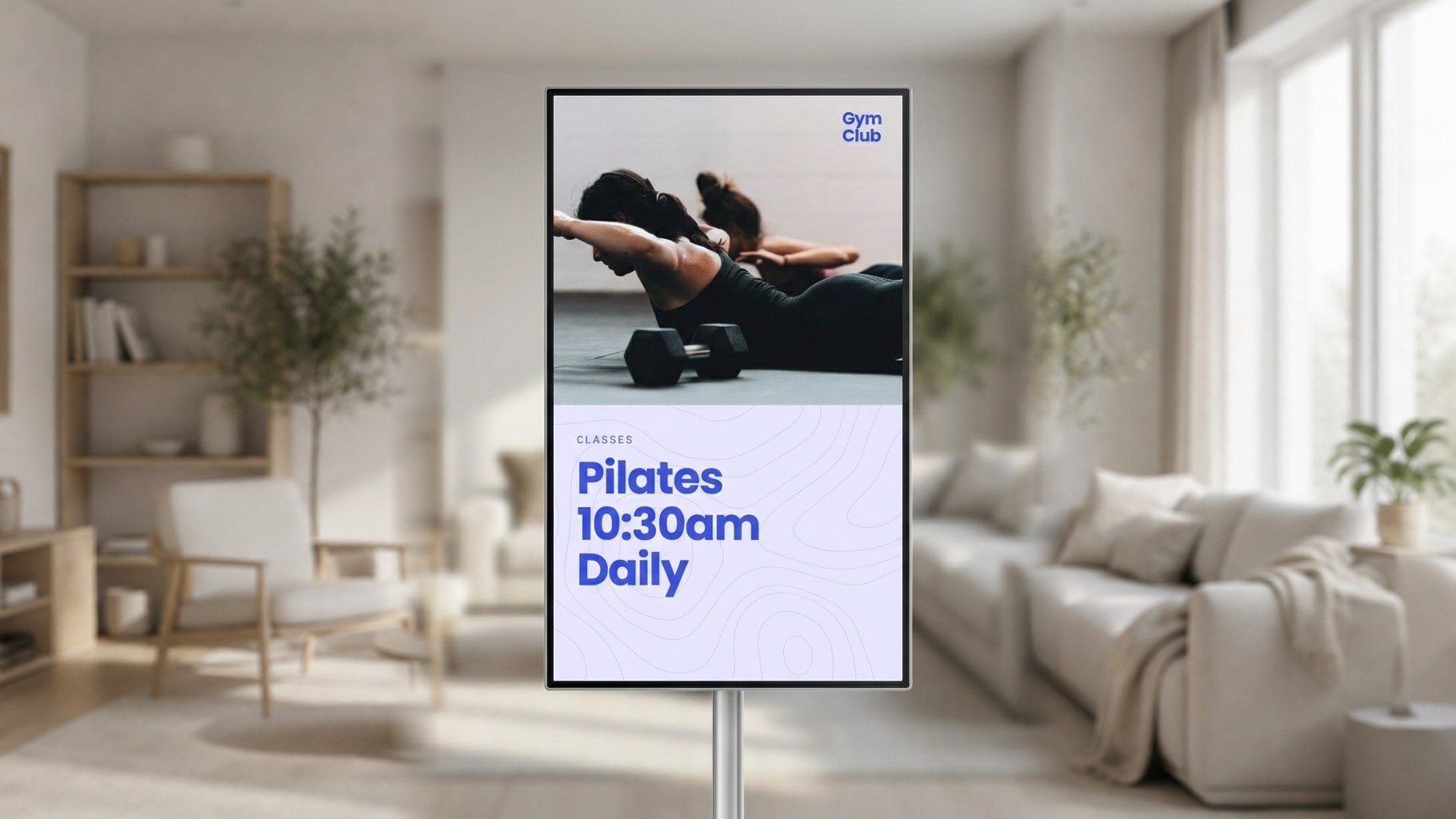
Your members walk in, look at the screen, and immediately see which group sessions are scheduled. Meanwhile, your latest Instagram post appears, alternating with an announcement for your next workshop. With AppyBee Narrowcasting, you turn a screen into a handy information hub for your gym, studio, or club.
And you can get started right away: with AppyBee, you can add one screen for narrowcasting for free.
What is narrowcasting?
Narrowcasting means displaying information and other content on screens within your own location. For example, at reception, in the waiting area, or next to a workout studio.
You decide what visitors see: your group sessions, an offer, news about your club, or a video introducing a new class. This way, you reach members at a moment when they are already on-site.
Give your group sessions a visible spot
With AppyBee Narrowcasting, you can display your group sessions and class schedule on screen. This gives members a convenient overview of what’s on the schedule.
Use the screen, for example, to draw attention to a new Pilates class, an extra group session, or a special workshop. This helps members find their way and shows them what else you have to offer.
Horizontal or vertical: you choose
You can use screens both horizontally and vertically.
A horizontal screen offers plenty of space for an extensive class overview or a combination of different messages. A vertical screen fits nicely next to an entrance, for instance, and is well-suited for a tall schedule or portrait images.
Choose the setup that fits your space and tailor the content accordingly.
From Instagram to your own presentations
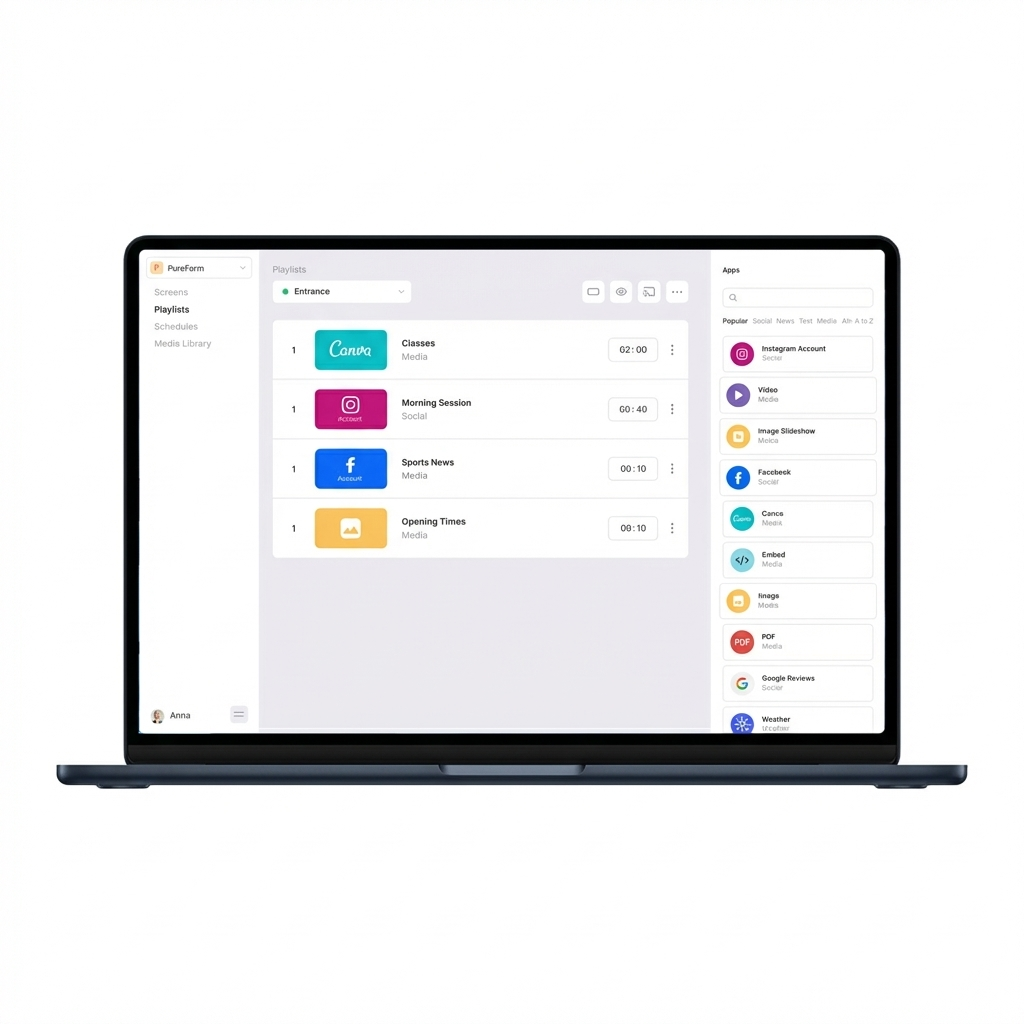
Your screen can display much more than just a schedule. Combine different types of content, such as:
- Instagram and Facebook: bring your social media posts to your members' attention.
- Photos and videos: show atmosphere shots, promotions, or an introduction to your trainers.
- YouTube: play videos or playlists.
- Canva designs: use your own designs matching your club's visual identity.
- Documents and presentations: display a PDF, Google Slides, or an embedded PowerPoint presentation, for example.
- Webpages and news: supplement your own messages with other relevant information.
Alternate different elements in a playlist or divide the screen into multiple zones to display different information at the same time.
Stay in control of the content
You manage the data and content on your screens yourself. You can adjust texts, images, videos, layout, and playback order whenever needed.
You can also schedule when specific content appears. For instance, display a different message in the morning than during evening classes. This ensures your screen aligns with what is happening at your facility at that moment.
Start with one free screen
Want to keep your members better informed and make your offerings more visible? With AppyBee, you can connect one screen for narrowcasting for free, using a compatible television or monitor of your own.
Start with your group sessions, add your Instagram content, and expand it further with messages tailored to your club.
Want to discover how this works for your gym or studio? We would love to show you the possibilities.
Date
October 22, 2026
Do you like this article?
Why not share it: