AppyBee Paywall
Prevent payment arrears without chasing members.
With AppyBee Paywall you decide what happens when a customer does not pay an invoice on time. After a grace period you choose, access to your location, new bookings or both are blocked automatically. As soon as everything is paid, the block is lifted automatically.
AppyBee Paywall is included with Essentials and therefore with Access and Signature too.
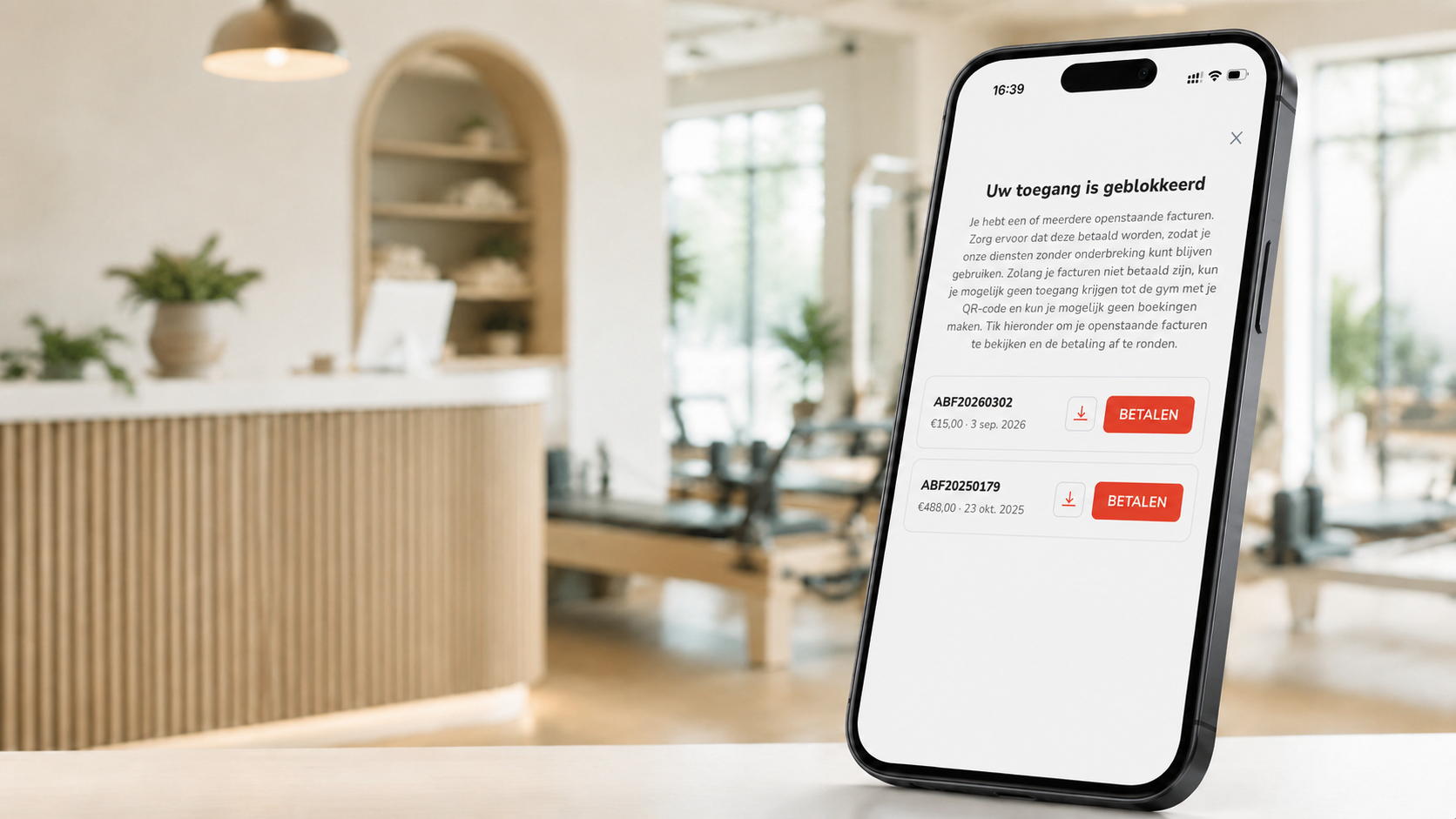
Control over your payments, handled automatically.
Block access
Customers with an overdue invoice get no QR code to enter your location.
Block bookings
The schedule stays visible, but new bookings are refused until they pay.
Your own grace period
Decide after how many days a block starts, for example after 7, 14 or 30 days.
Pay directly in the app
Customers see their open invoices and can pay right away or download the invoice.
Automatic unblocking
Once all open invoices are paid, the customer is unblocked immediately, no manual work.
Your own message
Choose the message customers see, one text for all languages or one per language.
How it works
- You set up the Paywall once in the AppyBee billing settings.
- You choose whether to block access, new bookings or both, and how long the grace period is.
- Is an invoice open longer than the grace period? The block starts automatically.
- The customer pays in the app and can enter and book again right away.
AppyBee Paywall questions
Which package includes AppyBee Paywall?
The Paywall is included with Essentials. Access and Signature include the Essentials features, so the Paywall too.
Are existing bookings cancelled?
No. Existing bookings remain. The customer can view them and cancel them if they wish. Only new bookings are blocked.
Do I need to unblock a customer myself?
No. As soon as all open invoices are paid, the block is lifted automatically.